
UK Radio Stations broadcasting on the Internet
RadioFeeds How-to Guides » Setting Windows Media Player 6.4 as the default player for Windows Media Streams
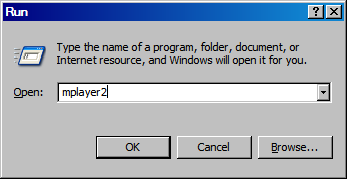
1. Click on the Windows Start button and then on "Run".
2. Type in "mplayer2" into the box and click on "OK".
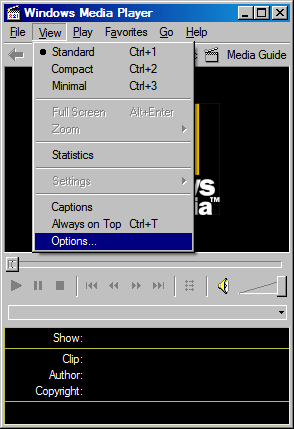
3. When the player opens, click on "View", then "Options...".
4. Choose the "Formats" tab and see if "Windows Media file" and "Windows Media audio file" are checked. If they are, then uncheck them both and then recheck them. If they are not already checked make sure they are checked.
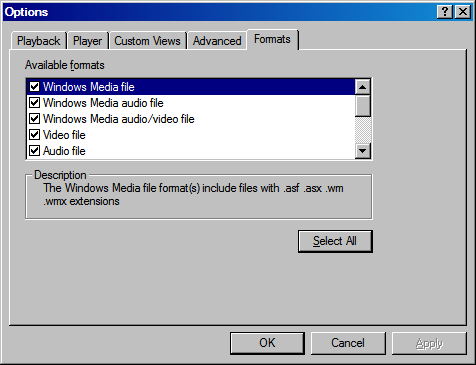
5. Click on "OK". Windows Media Player 6.4 should now be your default player.